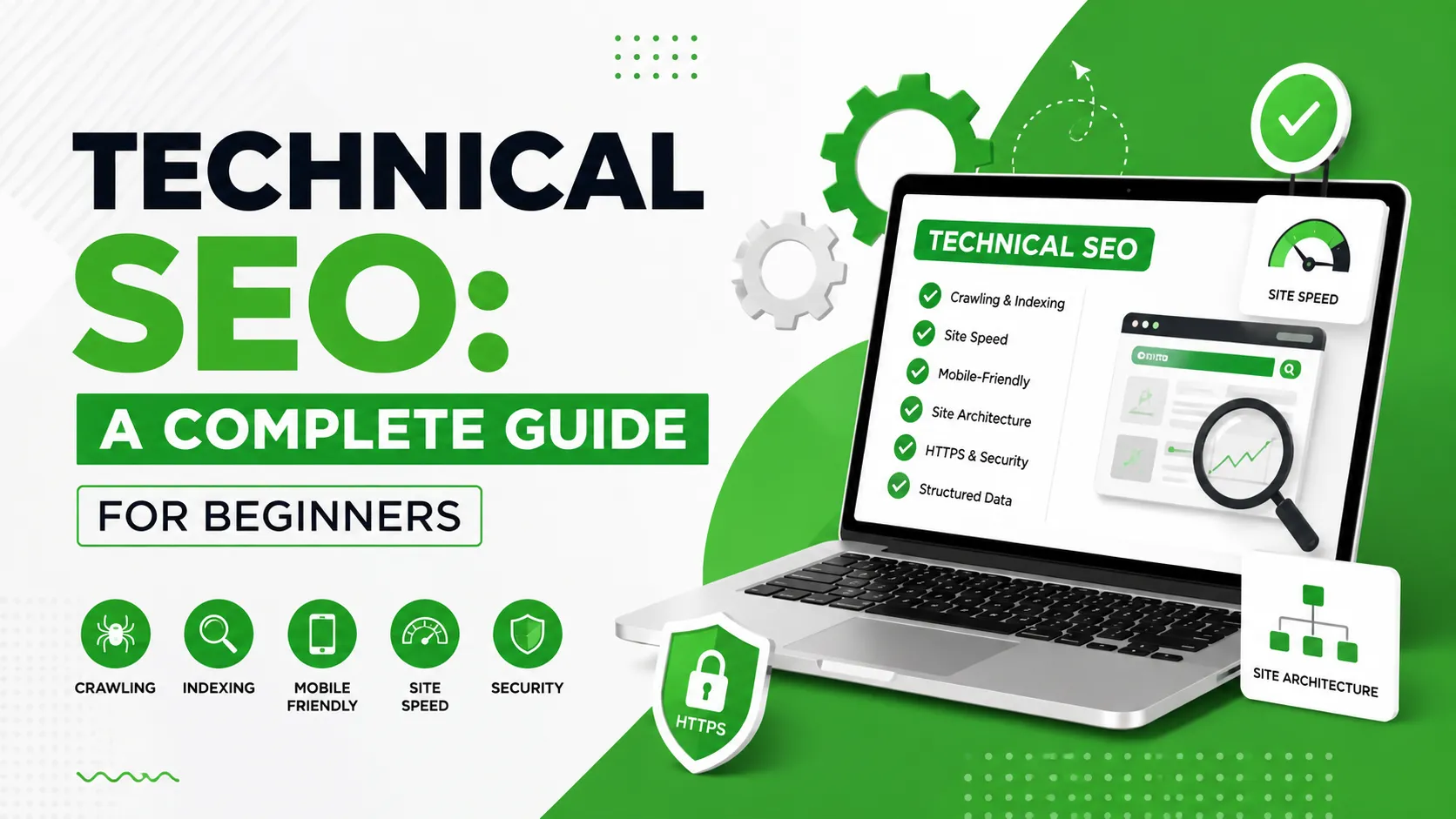
Technical SEO is one of the most important parts of building a website that search engines can properly crawl, understand, and index. While content and backlinks often receive the most attention, technical problems can prevent even excellent content from performing well in search. In simple terms, Technical SEO focuses on improving the technical foundation of your website so search engines and users can access and understand it efficiently.
It includes areas such as website speed, mobile usability, crawling, indexing, site architecture, redirects, XML sitemaps, canonical URLs, structured data, and security. If you’re new to SEO, it can help to first understand the broader concept in our guide to What is SEO?. Technical SEO is one important part of that larger process.
What is Technical SEO?
Technical SEO is the process of improving the technical aspects of a website that affect how search engines discover, crawl, interpret, and index its pages. Unlike content optimization, technical SEO is often happening behind the scenes. For example, a visitor may not notice whether your XML sitemap is correctly configured, but it can help search engines discover important URLs. Similarly, users may simply notice that a website loads quickly, while an SEO professional may investigate the technical factors contributing to that performance. A technically healthy website gives your content a stronger foundation.
Technical SEO can include:
- Website crawling
- Indexing
- Site architecture
- XML sitemaps
- Robots.txt
- Canonical URLs
- Redirects
- Mobile usability
- Page speed
- Core Web Vitals
- HTTPS
- Structured data
- Broken links
- Duplicate content management
Why is Technical SEO Important?
Imagine publishing a detailed article that answers a customer’s question perfectly. But the page is accidentally blocked from search engines. Or perhaps the page loads extremely slowly on mobile. Or several versions of the same URL exist without proper canonicalization. In situations like these, content quality alone may not solve the underlying problem.
Technical SEO helps create the foundation on which your content, internal links, Local SEO, and authority-building efforts can work effectively.
For businesses competing in Bangladesh, this foundation can be particularly important when trying to compete against established websites.
1. Improve Website Crawling
Search engines use automated systems to discover and crawl web pages.
Your website should make it reasonably easy for search engines to find important pages.
A clear website structure can help.
For example:
Homepage → Services → Service Details → Supporting Blog Content
This creates logical relationships between important pages.
Internal links also help search engines discover related content.
For a deeper understanding of how internal linking fits into broader optimization, see our guide On-Page SEO vs Off-Page SEO.
2. Make Sure Important Pages Can Be Indexed
Crawling and indexing are not the same thing. A search engine may discover a URL but not necessarily include it in its search index. Common indexing problems can involve:
- Incorrect noindex directives
- Canonicalization issues
- Server errors
- Poor site architecture
- Duplicate URLs
- Accidental blocking
- Weak or unnecessary pages
Google Search Console can help website owners identify many indexing and technical issues.
Regularly checking the index coverage of important pages is a useful part of technical SEO maintenance.
3. Create and Maintain an XML Sitemap
An XML sitemap provides search engines with information about URLs that you consider important on your website.
A sitemap can be particularly useful for:
- Large websites
- New websites
- Websites with frequently updated content
- Sites with complex structures
A sitemap does not guarantee that every URL will be indexed, but it can help search engines discover important pages. After creating or updating your sitemap, make sure it is accessible and submitted through the appropriate search engine tools.
4. Use Robots.txt Correctly
The robots.txt file provides instructions about which areas of a website crawlers may access.
However, robots.txt should be handled carefully.
A common beginner mistake is accidentally blocking important resources or pages.
Before changing robots.txt, understand exactly what the directive does and verify the result afterward.
Don’t use technical files simply because an SEO checklist says you should. Every rule should have a clear purpose.
5. Fix Broken Links and Errors
Broken links can create poor user experiences and unnecessary crawling problems.
Regularly check your website for:
- 404 pages
- Broken internal links
- Incorrect redirects
- Server errors
- Outdated URLs
If an important page has permanently moved, a relevant 301 redirect may be appropriate. However, avoid redirecting every old URL to the homepage. The destination should make sense for the original page.
6. Improve Website Speed
Website performance matters for users. A slow website can make it harder for visitors to find information, complete forms, browse products, or contact a business.
Review factors such as:
- Image sizes
- Unnecessary plugins
- JavaScript
- CSS
- Server response time
- Browser caching
- Third-party scripts
- Hosting performance
For an eCommerce website, performance becomes even more important because users may need to browse multiple categories and product pages before making a purchase. You can learn more about the broader optimization of online stores through What is eCommerce SEO?
7. Make Your Website Mobile-Friendly
Many people access websites through smartphones. A technically sound website should work properly across different screen sizes.
Check:
- Text readability
- Navigation
- Buttons
- Forms
- Images
- Menus
- Page layout
- Loading performance
A website that looks good on desktop but is difficult to use on mobile can create unnecessary friction for visitors. This is especially important for local businesses because people often search for services while using mobile devices. Our guide to What is Local SEO? explains why mobile usability is an important part of creating a strong local search presence.
8. Use HTTPS
HTTPS protects the connection between a visitor’s browser and your website. For modern websites, security should be treated as a basic requirement rather than an optional feature.
Check that:
- Your website uses HTTPS
- There are no important mixed-content problems
- HTTP URLs redirect appropriately
- Your SSL certificate is valid
Visitors should feel comfortable entering information into your website, particularly when submitting contact forms or making purchases.
9. Handle Duplicate Content Properly
Duplicate or very similar URLs can make website management more complicated.
This can happen because of:
- URL parameters
- Product filters
- Multiple URL versions
- Printer-friendly pages
- HTTP and HTTPS versions
- WWW and non-WWW versions
- Similar category pages
Canonical tags can help indicate the preferred version of a page when appropriate. However, canonical tags should not be used as a solution for every duplicate-content problem. First understand why the duplicate URLs exist.
10. Use Structured Data Where Appropriate
Structured data helps provide search engines with additional information about certain types of content. Depending on the page, relevant structured data may include:
- Article
- Organization
- LocalBusiness
- Product
- Breadcrumb
Structured data should accurately represent the information available on the page. It should not be used to add misleading information simply to try to obtain enhanced search features.
Technical SEO for Local Businesses
Local businesses should pay particular attention to technical foundations.
Your website should clearly communicate:
- Business name
- Location
- Contact information
- Services
- Service areas
- Opening information where relevant
A logical structure can also connect location pages, service pages, and helpful local content. Technical SEO works alongside Local SEO rather than replacing it. For a complete introduction to local optimization, read What is Local SEO? Why Every Local Business Needs Local SEO?.
Technical SEO Checklist for Beginners
Before considering your website technically healthy, review these areas:
- Website uses HTTPS
- Important pages can be crawled
- Important pages can be indexed
- XML sitemap is available
- Robots.txt is correctly configured
- Broken links are fixed
- Important redirects work correctly
- Mobile experience is functional
- Images are optimized
- Website loads efficiently
- Duplicate URL issues are reviewed
- Canonical tags are used appropriately
- Structured data is accurate where applicable
- Google Search Console is monitored
Final Thoughts
Technical SEO may sound complicated, but the basic goal is straightforward: make your website accessible, understandable, secure, and usable for both search engines and visitors. You don’t need to change every technical setting simply because it appears on an SEO checklist. Start by identifying issues that can genuinely affect crawling, indexing, usability, performance, or the quality of your website structure. Technical SEO should also work together with content, on-page optimization, Local SEO, eCommerce SEO, and off-page SEO.
For businesses searching for the Best SEO Expert in Bangladesh, choosing an SEO professional should involve more than looking at ranking claims. Look for someone who can explain technical problems clearly, prioritize meaningful improvements, use ethical methods, and connect technical work with actual business goals.